How toRunning it from a laptop
Running it from a laptop
The FloStyle desktop app, for macOS and Windows, makes a laptop the hub. It opens the app and the desk in their own windows.
Open the desktop app
Open FloStyle on the laptop. It starts the hub at once, and the competition screen says This machine is the hub, with the address the judges join on.
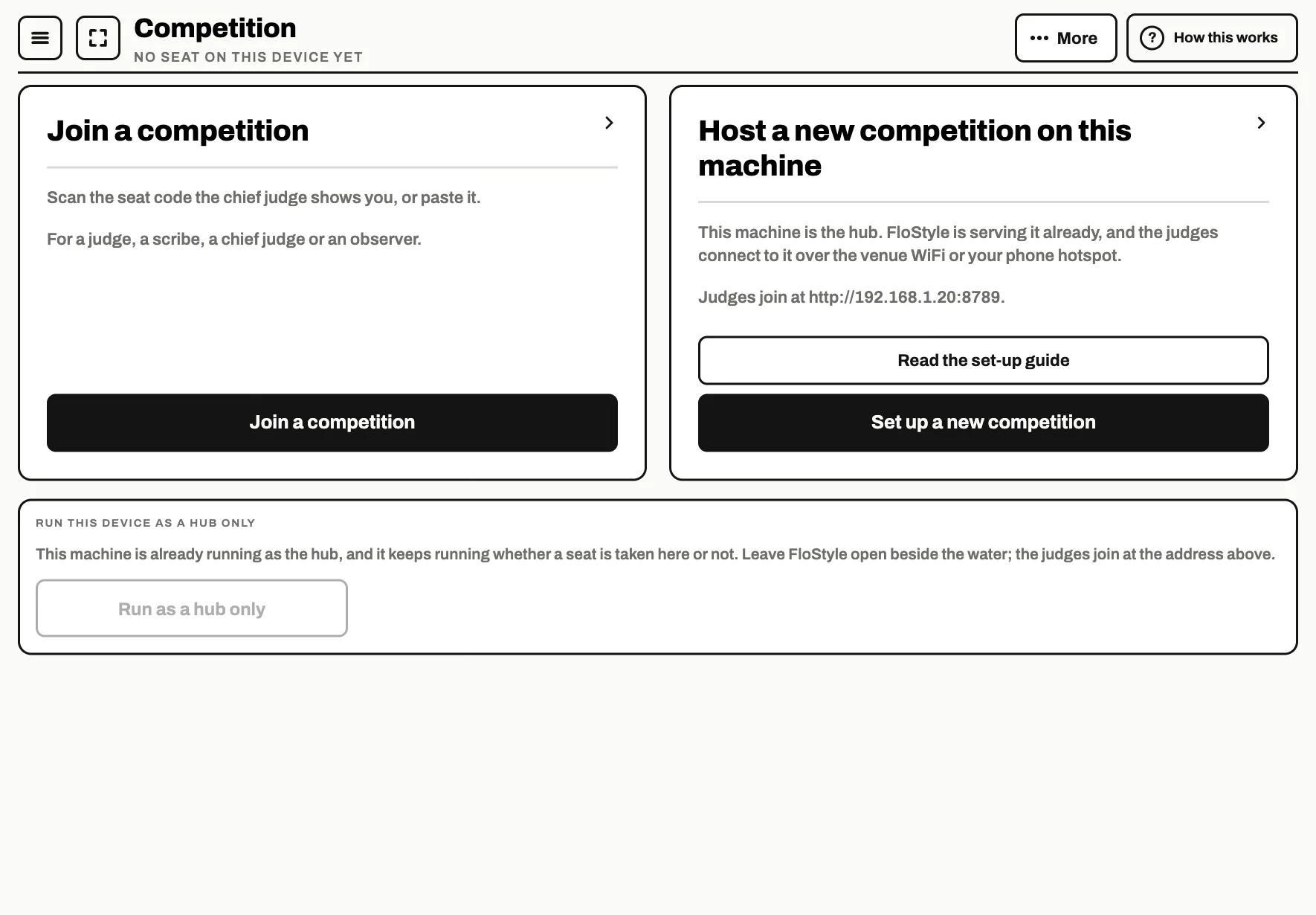
Create the competition
Tap Set up a new competition and fill in the details, or use Create from spreadsheet under More. The set-up wizard is the same as on a tablet: follow the official competition guide from the Details step.
Use the desk
The desk is the organiser's screen: the entries, the rounds and the draw, the results and printing, laid out for a mouse and a keyboard. It opens in its own window from the desktop app, or in a browser with a chief, organiser or admin seat code.
Its Create from spreadsheet screen is under Set up: see the spreadsheet guide.
Bring the judges in
The seat codes work exactly as they do from a tablet: see Getting your judges in. The laptop and every judge's device must be on the same network, and the laptop must stay awake and connected for the whole day.