How toFrom a spreadsheet
From a spreadsheet
Fill in one Excel workbook and FloStyle builds the whole competition from it: its details, classes, sessions, rounds, heats and paddlers. It checks the file first and creates nothing until it is right.
Download the template
The template has a tab for each part of the day and a Read me tab saying what goes where. The example is a whole two day competition, the one in the pictures on these pages.
Good to knowThe app has the same template: Download the template in its Create from spreadsheet window.
Fill in the tabs
A blank cell takes the app's own answer, so you only fill in what you know.
Tab Columns What goes in it Competition A field a row: Name, Start date, End date, Venue, Rule set, Judges, Feature, Attainable. Name and Start date are needed. Rule set is Surface, Squirt or one of your own. Judges is 1 to 5. Classes Code, Name A row a class. The code is needed (MK1, WK1); the name is the code unless you give one. Sessions Session, Classes The classes that paddle together, as their codes: MK1, WK1. Leave the tab empty for a session a class. Rounds Session, Round, Name, Day, Feature, Attainable, Jam, Runs, Counting, Qualifiers, Run length, Separate class heats A row a round. Round is Prelims, Semi-finals or Finals. Blank cells take the rule set's answer. Qualifiers is how many come through from the round before. Heats Session, Round, Heat, Date, Start, Finish Optional: the times of the heats, on a 24 hour clock. Athletes Bib, First name, Last name, Nation, Club, ICF number, Class, Heat, Order A row a paddler. Bib, a name and Class are needed; Nation is the three letter code (GBR). Leave Heat empty for everybody and the app draws the heats. Good to knowSave it as an Excel workbook (.xlsx). Numbers and Google Sheets can both export one.
Choose it in the app
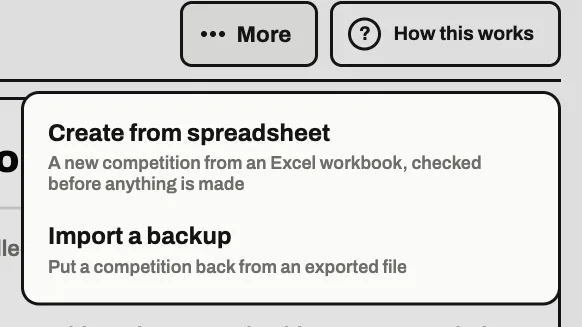
On the hub tablet, on the competition screen, tap More and then Create from spreadsheet . For a local competition it is under More on your list of local competitions.
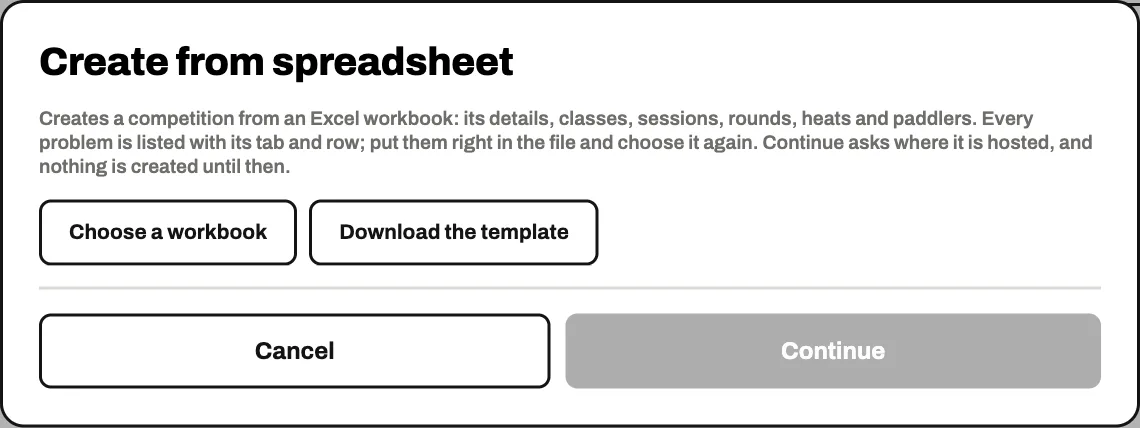
Tap Choose a workbook and pick your file.
Put any problems right
FloStyle reads the whole file and lists anything it cannot use, with the tab and the row, for example a paddler in a class the Classes tab does not have.
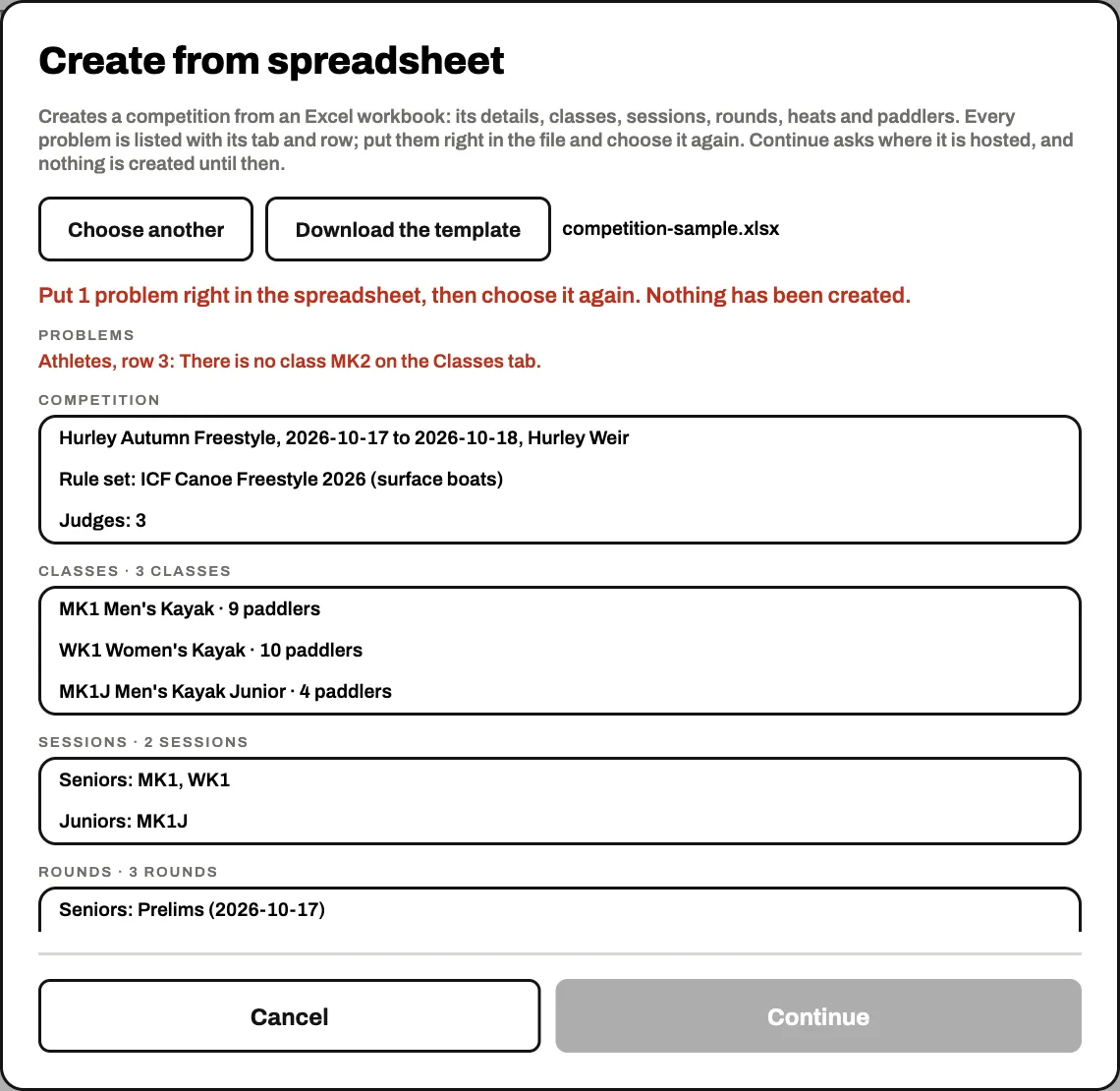
Continue stays grey until there is nothing to put right. Put them right in the spreadsheet, save it, and tap Choose another to read it again. Nothing has been created yet.
Create the competition
When the file is clean the window says what it will set up. Check the counts look right.
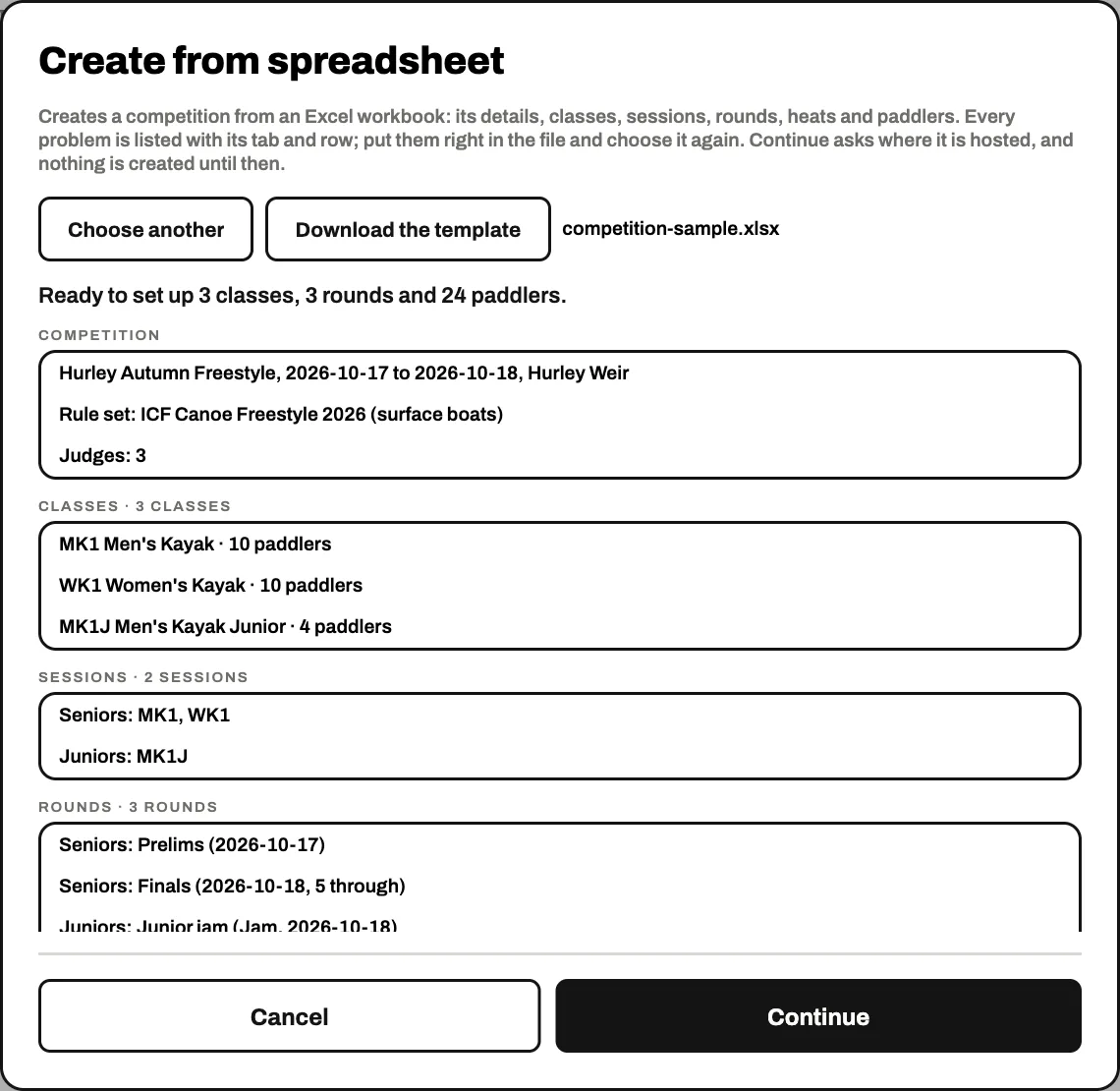
For an official competition, tap Continue . The New competition screen opens with the name, the date, the venue, the rule set and the judges already filled in from the workbook: choose where it is hosted and create it. For a local competition, Create the competition makes it straight away.
What this doesOnce the competition exists, the set-up wizard adds its classes, sessions, rounds, heats and paddlers from the workbook and says so at the top.
Check it over
Step through the wizard to check everything came in as you meant: the classes, the paddlers, each round's settings and the heats. Change anything here as you would by hand, then go on to Seats and Finish set up.
The rest is the same as setting it up by hand.
On the desk, and back out again
The desk, on a laptop, has its own Create from spreadsheet screen under Set up. It lists any problems before you tap Set up the competition, and it only fills a day that has nothing in it yet.
To get a day back out as a workbook, use Download as a spreadsheet under More on the Details or Classes step. It is a good start for next year's event.