How to run a competition with FloStyle
Simple step by step guides for setting one up, from a club night on one tablet to an official event with a panel of judges. Every step shows the screen you will see and says what to tap.
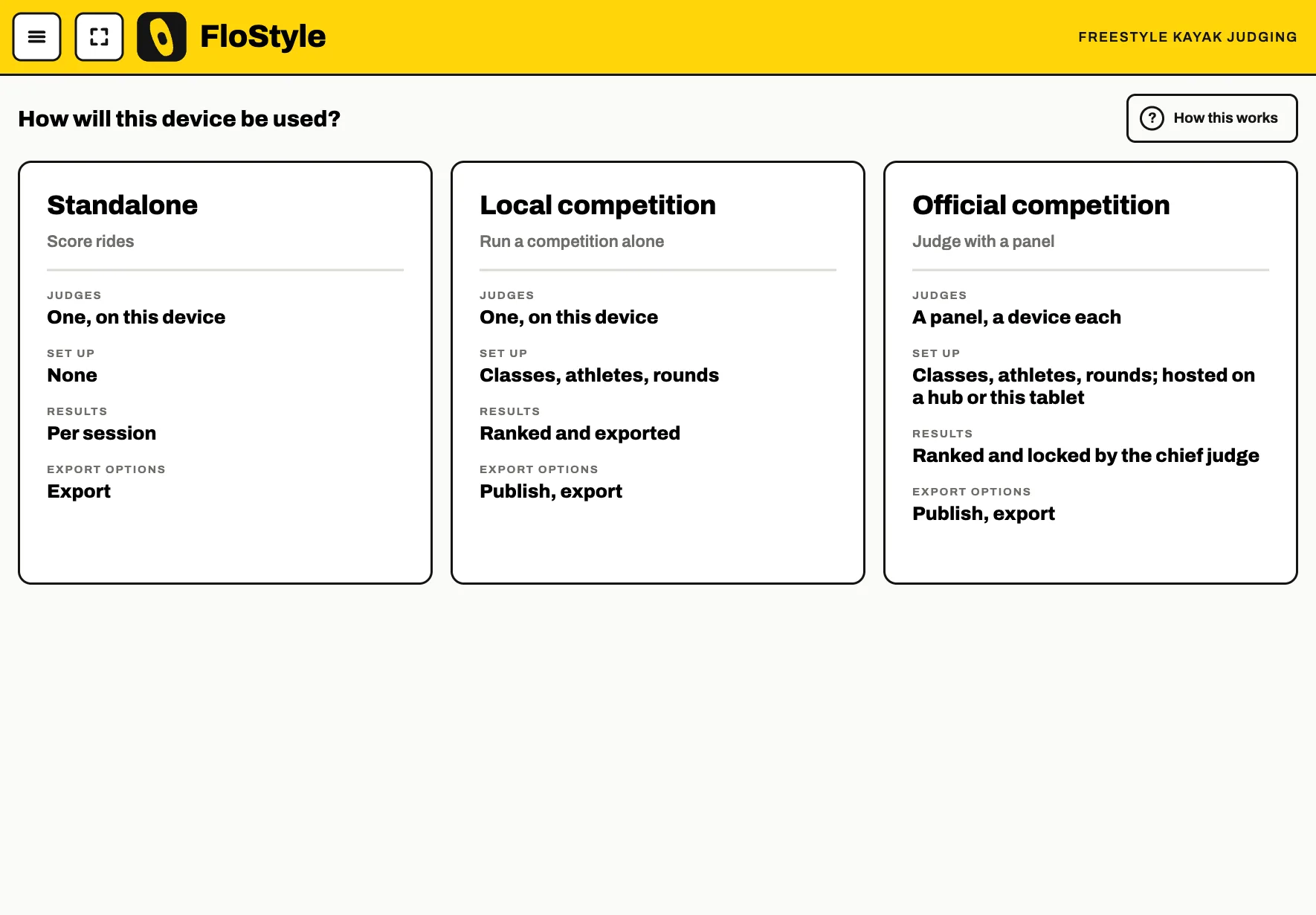
Which set-up do you need?
One tablet, one judge
A local competition
A club night or a small event. One person judges on one tablet, and the app keeps the classes, heats and results.
A panel of judges, hosted on a tablet
An official competition
Each judge scores on their own phone or tablet. The chief judge's tablet is the hub on the bank, and nothing needs a signal beyond a hotspot you make yourself.
A panel of judges, run from a laptop
The desktop app
The FloStyle desktop app makes a laptop the hub, with the desk beside it for whoever runs the entries and the results.
Two ways to make it
By hand is quickest for a small day: the set-up wizard walks you through the classes, the paddlers, the rounds and the heats one screen at a time.
From a spreadsheet suits a big entry list, or a day planned in advance. Fill in one Excel workbook and the app builds the whole competition from it in one go, after checking it and listing anything it cannot read.
Never used FloStyle? Start with Before you start.