How toGetting your judges in
Getting your judges in
Every seat at an official competition has its own code. A judge scans theirs and is straight in: no account, no typing.
Show the codes
The codes are on the wizard's Seats step, and in the console under More, Settings and seat codes. Show full screen makes one big enough to scan from a few steps away.
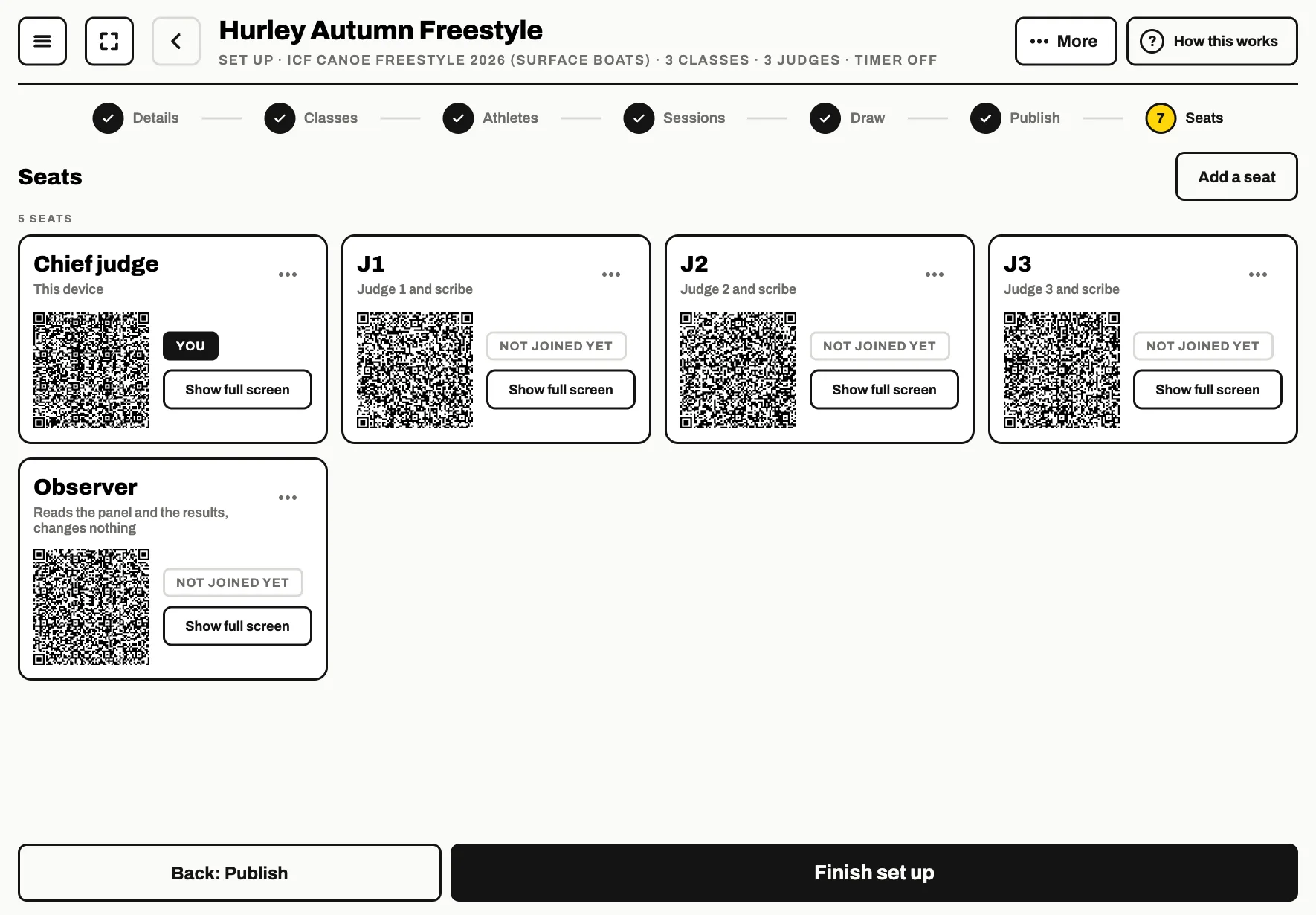
Scan with the phone camera
The judge points their phone's camera at their seat's code and opens the link. FloStyle opens straight on their seat, in the waiting room, and the scoring grid opens by itself when the chief judge starts a run.
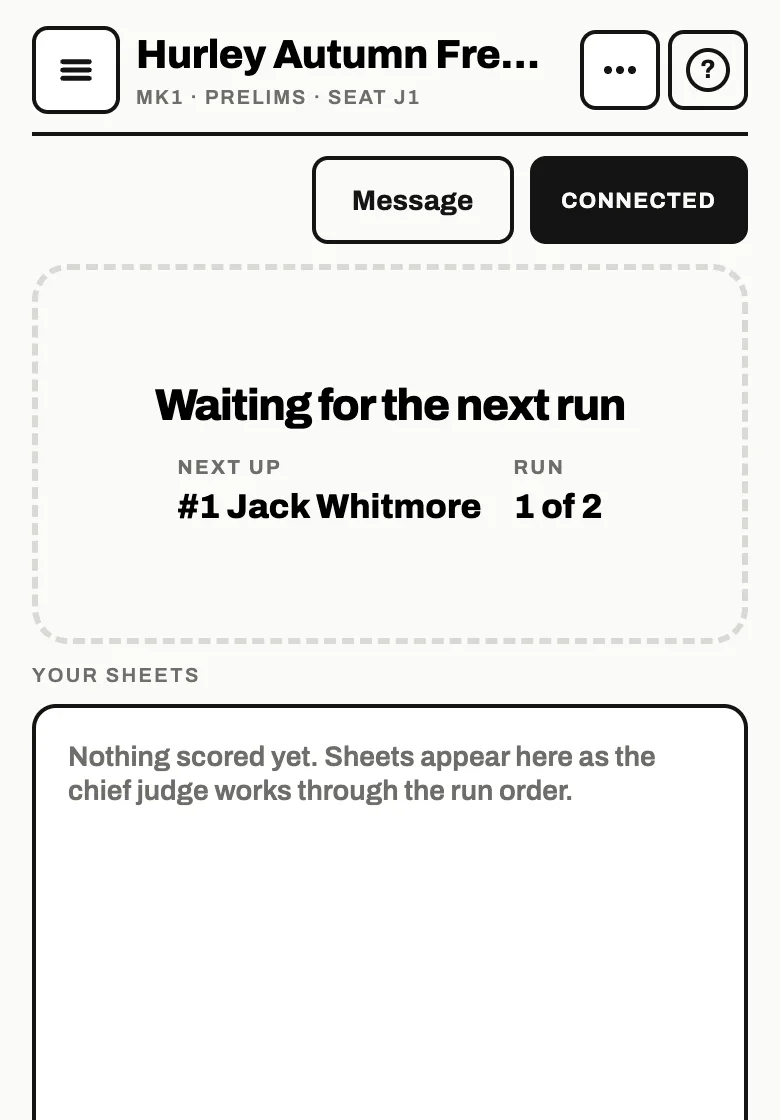
Or paste the code
If the camera will not scan, tap Copy code or Copy link on the seat and send it to the judge. On their device: Join a competition, paste it in the box, then Join.
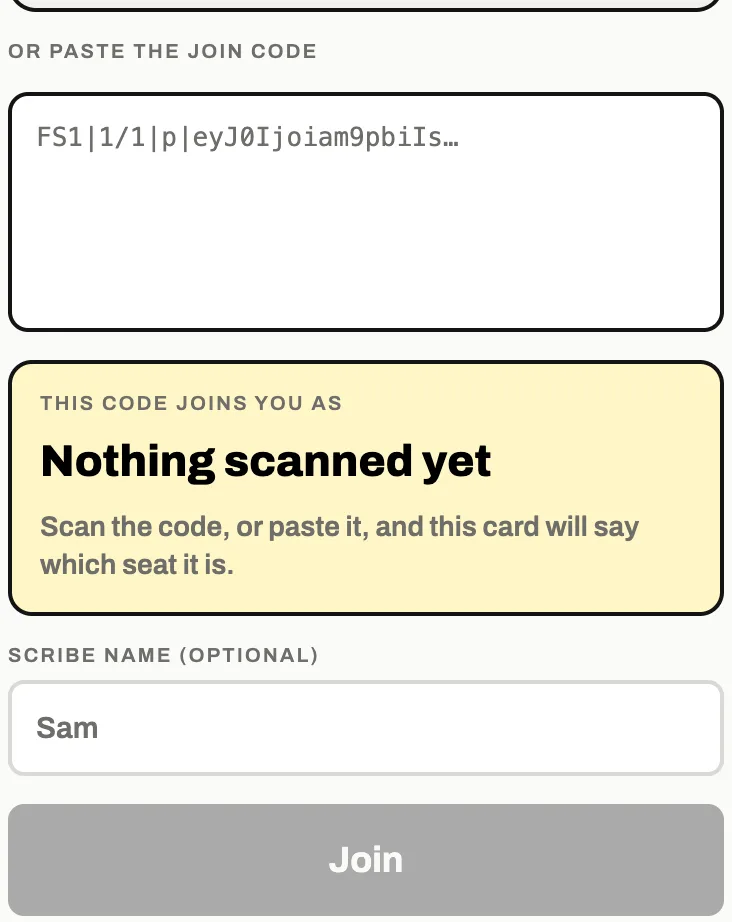
A scribe can add their name before joining, so the chief judge knows who is on the seat.
The seats and what each one does
- Chief judge
- Runs the day: starts and ends each run, locks every score. The hub tablet takes this seat.
- Judge
- Scores every ride on their own device. There is one seat for each judge on the panel.
- Scribe
- Scores beside a judge, on that judge's sheet, for a judge who would rather call the tricks out.
- Timer
- Starts and stops the clock. Only with the run timer on.
- Observer
- Watches the day and changes nothing.
- Commentator
- Who is on, what is known about them, and the standings. Writes bios and nothing else.
- Check-in
- Marks who is here for their heat, their boat and their gear. Only with boat check-in on.
- Admin
- The desk, for support. Can change anything, including a judge's sheet. Remove it when you are done.
Add a seat on the Seats step adds any of them. The number of judge seats follows the number of judges on the Details step.
If a judge cannot connect
Nearly always it is the network: the judge's device is on a different Wi-Fi, or mobile data is taking over. If something goes wrong has the checks.